How to add player notes
How can I add player notes?
Written By Matthew Ginn
Last updated Over 1 year ago
To add player notes simply double click the player's icon that you would like to add notes to at your table.
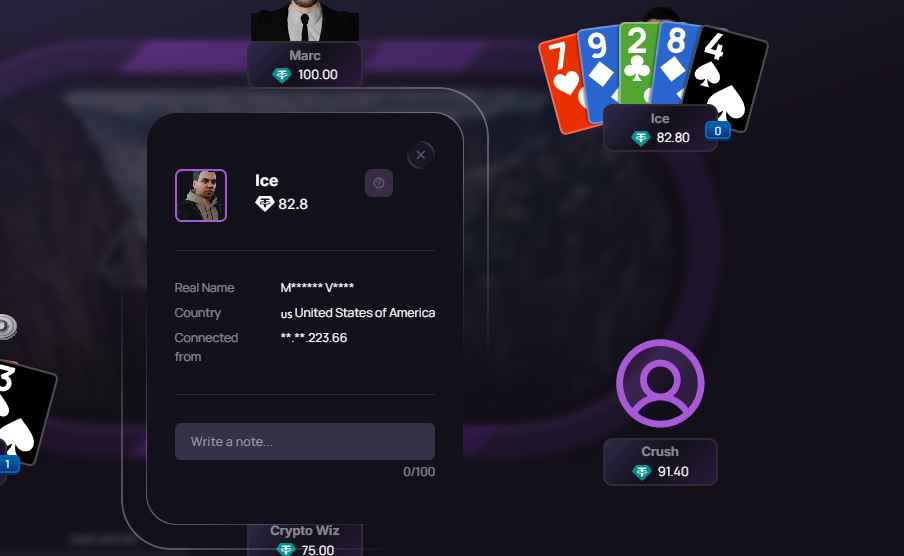
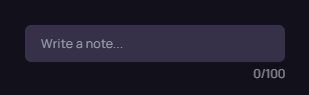
Once you have double clicked on the bottom part of the pop up you will be able to enter notes on this specific player in the bottom where it says "Write a note".
Once you have entered the note you will be able to see it below.
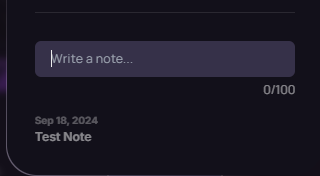
To delete or remove a note please hoover over the note and click the red "X" in the top right corner.

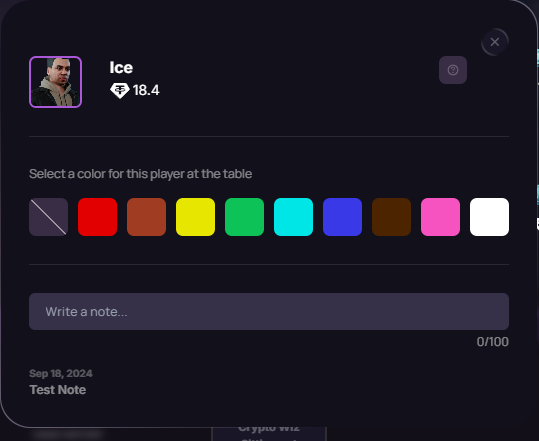
You can also click on the "?" seen below to edit the player color and enter notes as seen below.

Was this helpful?
Still need help? Ask the team